
Positions and maps without internet
See each other on the map when there is no network. 10 min
- 1
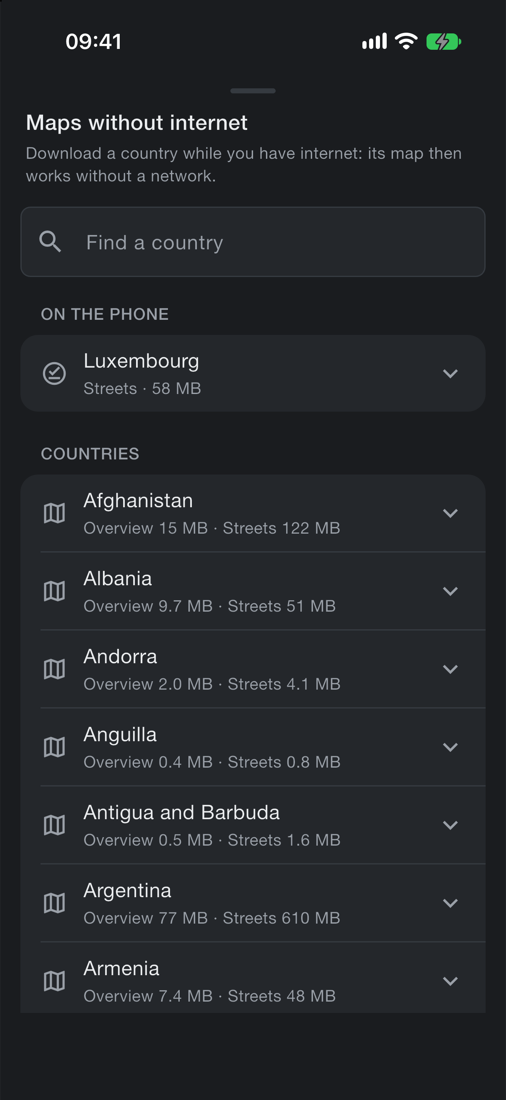
Download a map beforehand
On the Map tab press the download button, find a country and choose the detail: overview or streets. This needs internet; a download can be stopped and resumed.
- 2
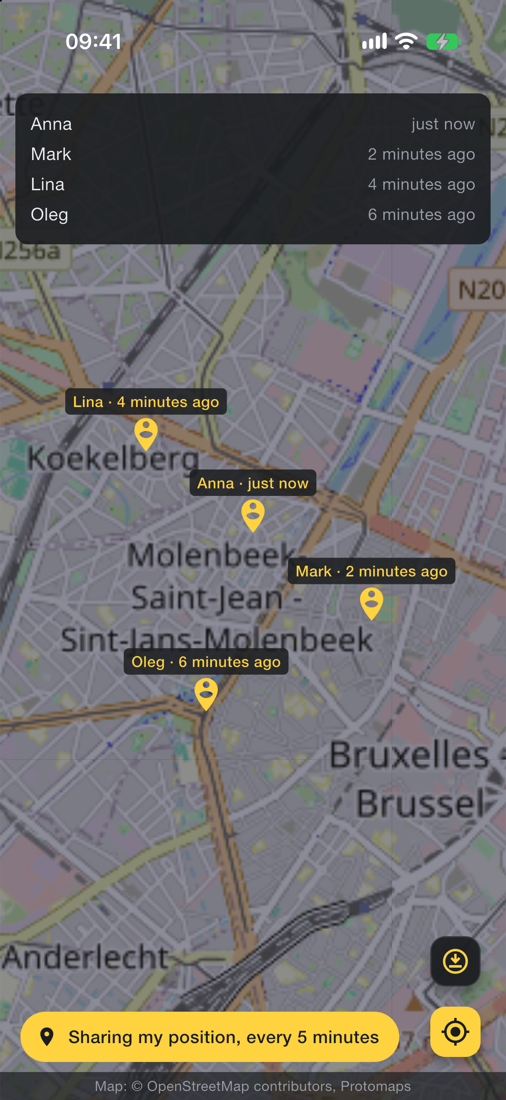
Turn on “Share my position”
The switch is on the map and on the Pack tab. The interval can be set. Without it the pack does not see where you are.
- 3
Look at the map
Members show with their name, distance and direction from you, and the time of the last fix.
- 4
A tracker with no phone
A T1000-E can send its position by itself: the Device tab, section “Tracker mode”.
Next: SOS and panic