- 1
Open the pack chat
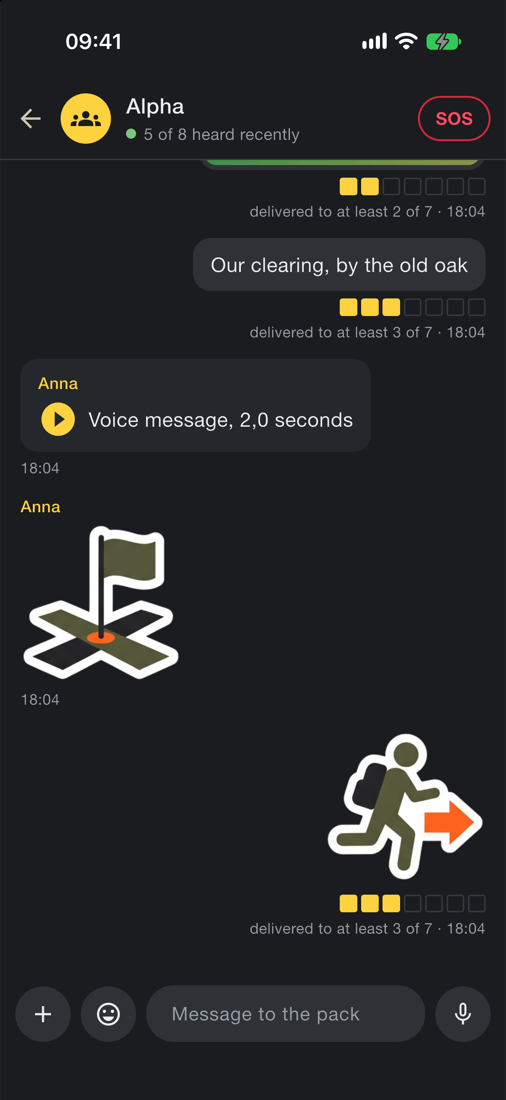
It is pinned at the top of the chat list. The dot next to the name shows whether your device is connected.
- 2
Send a text
A meter appears under the message: how many members received it.
- 3
Voice
Hold the microphone and talk, up to 8 seconds. Let go and the note is sent. It plays at once on the other side.
- 4
Photos and stickers
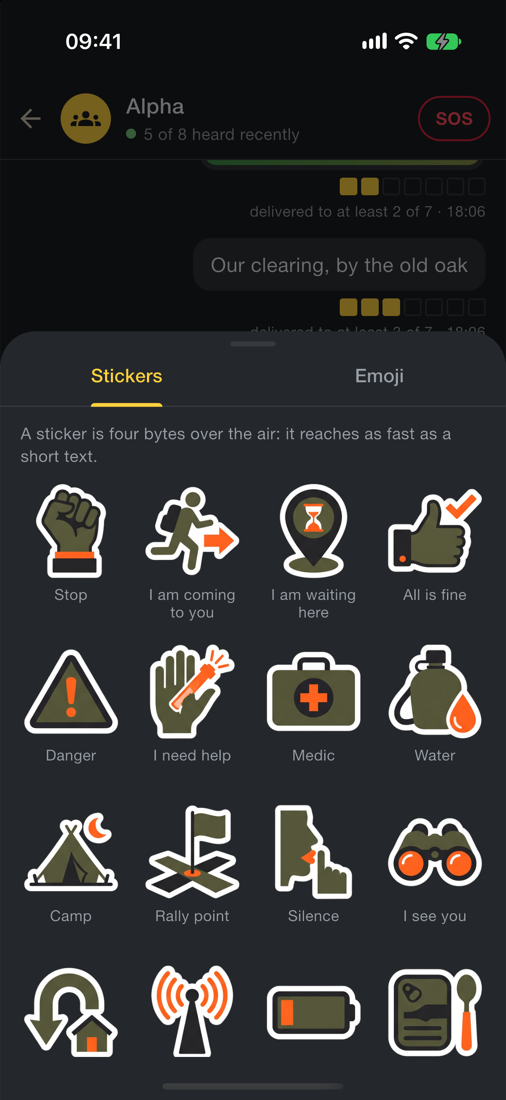
The “+” button attaches a photo; the smiley button opens stickers and emoji. A sticker is sent with one tap.
- 5
A direct chat
In the chat list press “+” and pick a member. Only the two of you will read such a message.