- 1
Create a pack
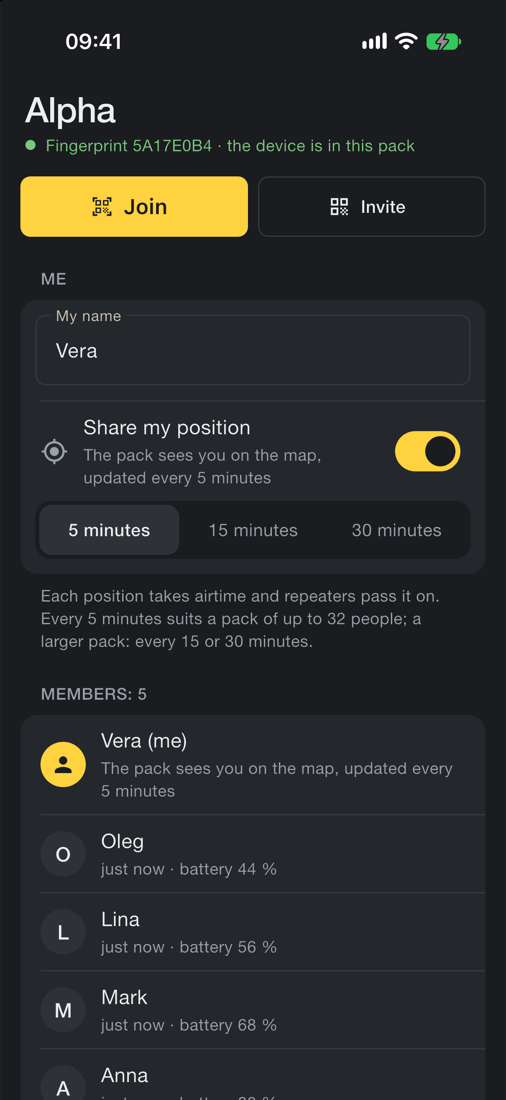
On the Pack tab choose to create a new pack and name it, for example “Alpha”.
- 2
Set your name and the pack size
Members see your name. The number of people is needed to show “delivered to k of N” under messages.
- 3
Invite members
Press “Invite”: a QR code appears. Show it in person only: whoever scans the code joins the pack.
- 4
A member joins
On their phone they press “Join” and scan the code. The pack’s keys are written to their device too.