- 1
Check that devices hear each other
The header of the pack chat says how many members your device has heard recently. In a town the reach is a few hundred metres to a couple of kilometres; over open land or from a height, much more.
- 2
Turn on “Client and repeater”
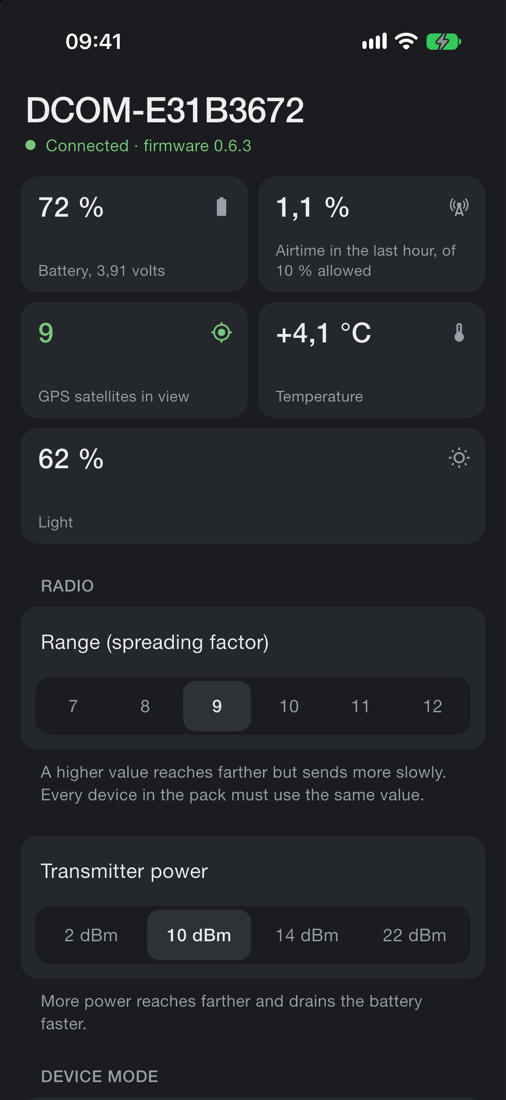
The Device tab, section “Device mode”. The device starts forwarding the pack’s packets. A few devices located between the others are enough.
- 3
Place a repeater on a height
Switch a spare device to “Repeater” and leave it on a hill, a roof or a tree. The higher and the clearer the view, the further the reach.
- 4
Change the SF only as a whole pack
A higher SF trades speed for range. Devices on different SF do not hear each other, so the app asks for confirmation.