- 1
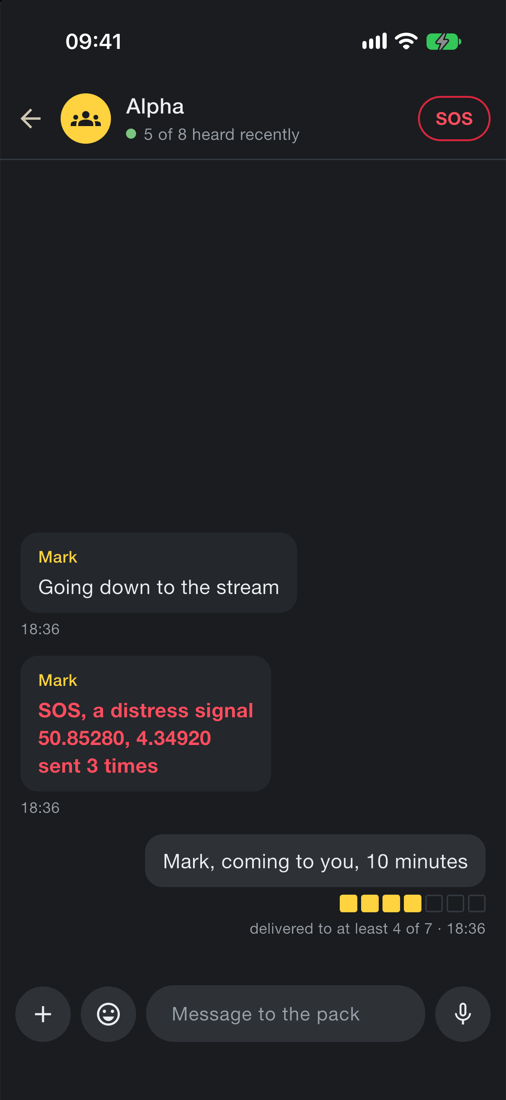
SOS from the app
In the pack chat hold the SOS button. A signal with your coordinates goes to the whole pack and repeats every 30 seconds.
- 2
Panic from the device
Four quick presses of the button send an SOS with no phone. A T1000-E adds coordinates from its own GNSS receiver.
- 3
What the pack sees
Devices with a buzzer sound an alarm, a MeshPocket shows the alert on its whole screen, and the sender is red on the map.
- 4
Cancelling
Press “Cancel SOS” in the chat, or press the device button four times again. The pack sees the alert is over.