
Everything DCOM does
Every feature below already works on the devices and in the app. What is still in development is listed separately at the end.
Pack chat that counts delivery
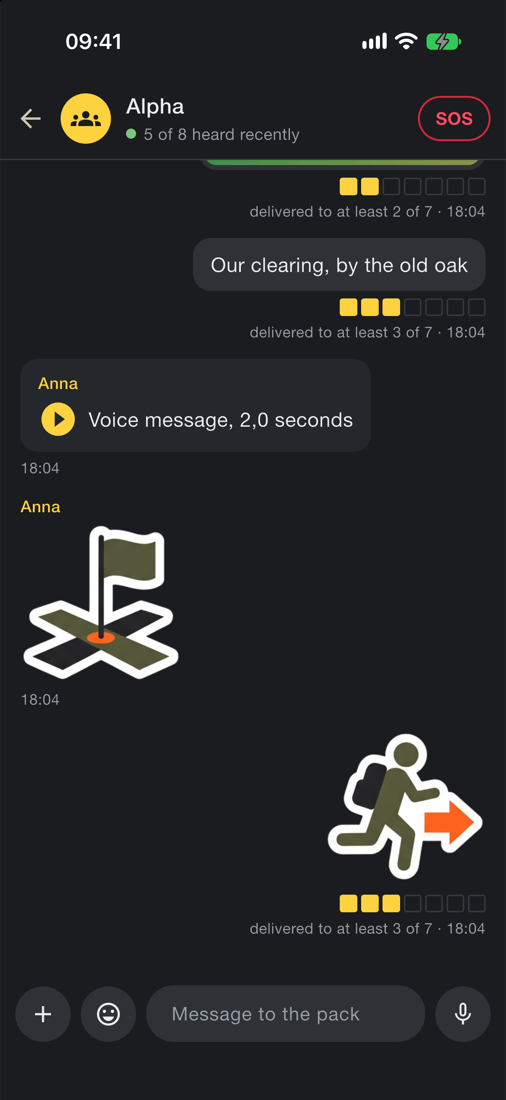
One chat for the whole pack. Each device that receives a message answers with a short acknowledgement, and repeaters bundle acknowledgements into one packet. Under the message you see a meter and “delivered to 5 of 7”: how many members really got it.
- Up to 1500 bytes in one message
- Long messages are split into parts and put back together
- History is kept on the phone
Direct messages
Press “+” in the chat list and pick a member. The message is sealed with a key only the two of you can derive. The rest of the pack and the repeaters pass it on but cannot open it.
- X25519 key agreement
- ChaCha20-Poly1305 cipher
- Members’ keys arrive by themselves, over the air
Voice notes
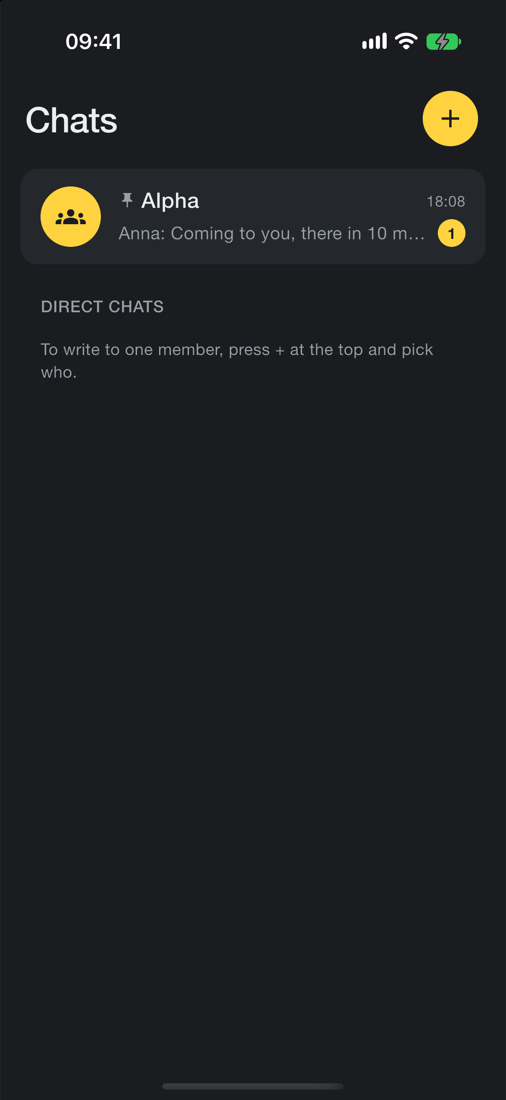
Hold the microphone and talk. Speech is compressed with Codec2 to 1200 bits per second, so eight seconds take about 1.2 kilobytes. On the receiving phone the note plays at once, like a radio.
- Up to 8 seconds
- Codec2, 1200 bit/s
- Works in direct chats too
Photos
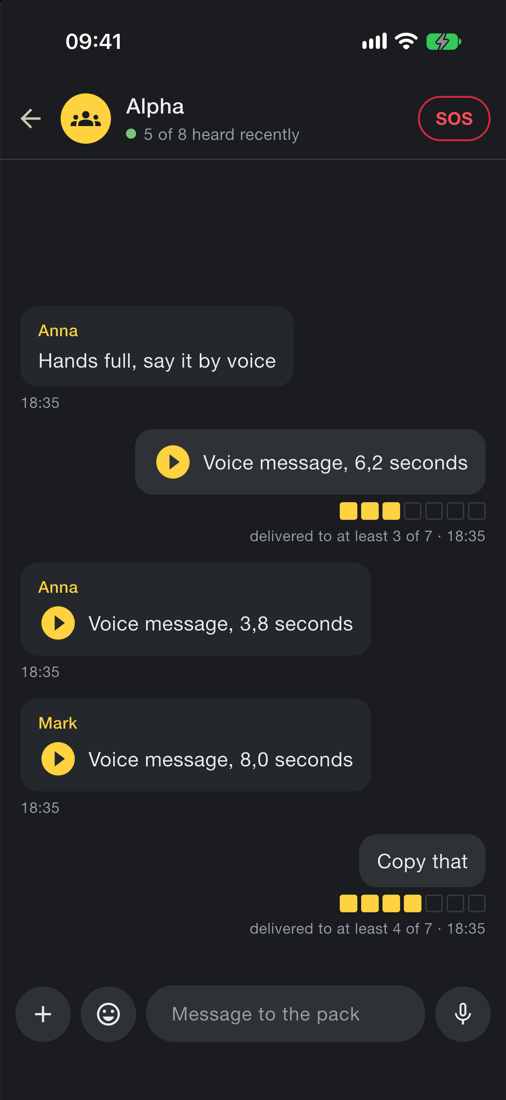
A picture from the camera or the library is reduced and compressed to about 1.4 kilobytes: enough to show a place, a landmark or a sketch. It travels in parts and is put together on the other phone.
- JPEG up to 160 pixels on the long side
- About 1.4 kB
- One long message made of several packets
Tactical stickers and emoji
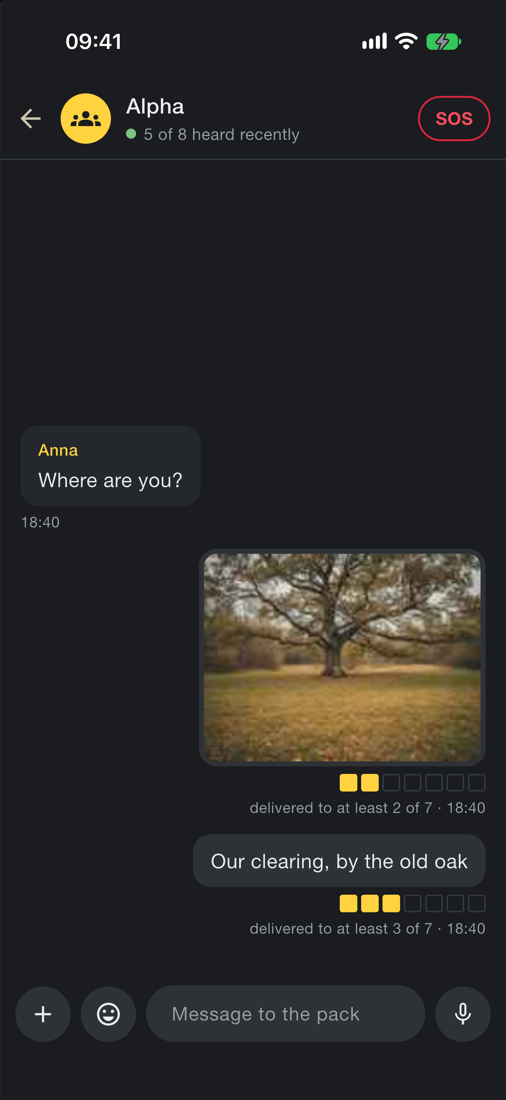
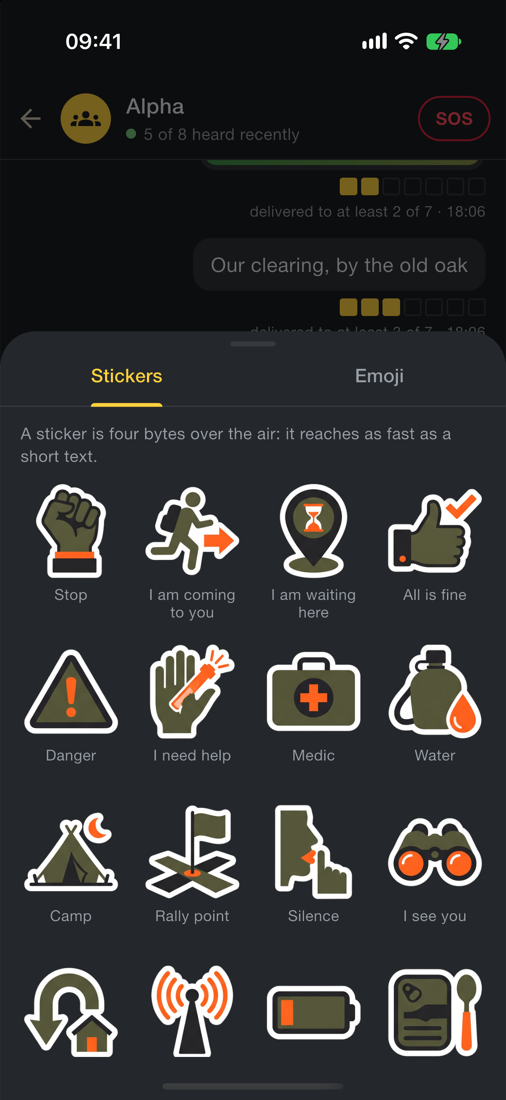
Sixteen field signals: stop, coming to you, waiting here, all is fine, danger, need help, medic, water, camp, rally point, silence, I see you, returning, radio contact, battery low, food. The pictures are already in every phone; only a number goes on air.
- 4 bytes per sticker
- Arrives as fast as a short text
- Plus 32 field emoji for texts
The pack on a map
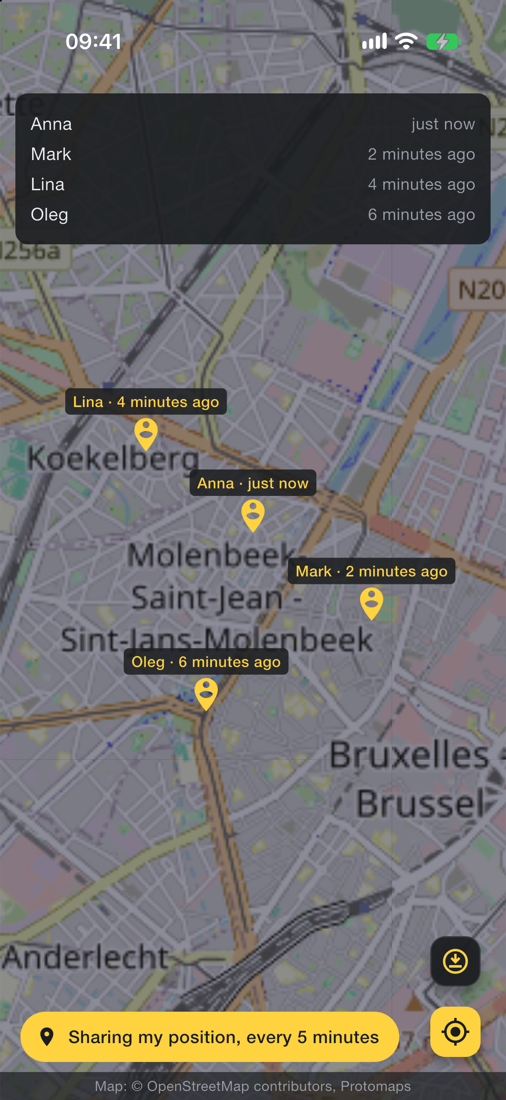
Members who share their position show on the map with distance and direction from you. Positions are encrypted like messages. Each person decides whether to share.
- Sending interval can be set
- Source: the phone’s GPS or the device’s GNSS
- An SOS shows in red on the map
Maps without internet
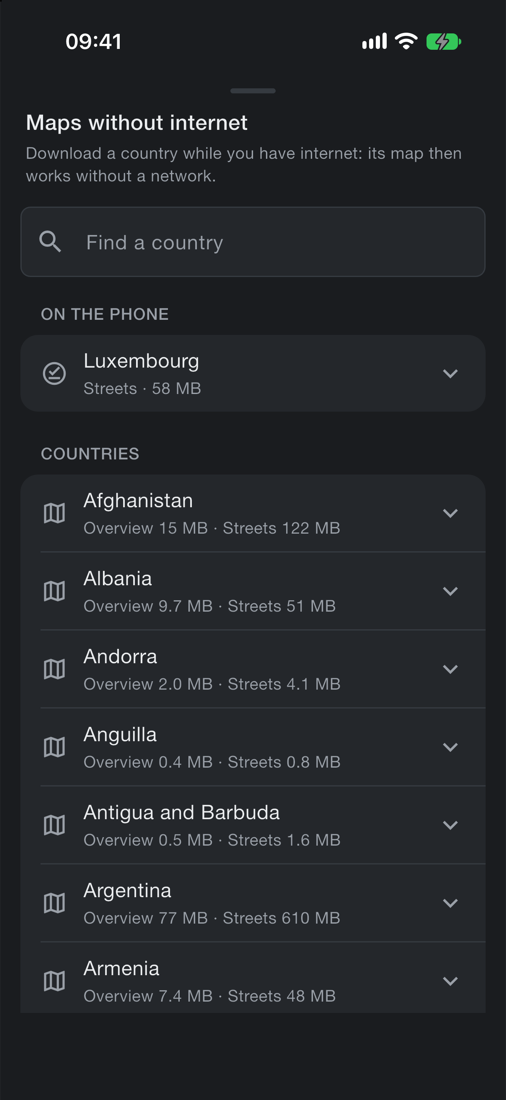
The map of any country is downloaded to the phone beforehand, while you have internet. Two levels of detail: overview and streets. After that the map works with no network at all.
- OpenStreetMap data
- A download can be stopped and resumed
- Several countries at once
SOS and panic
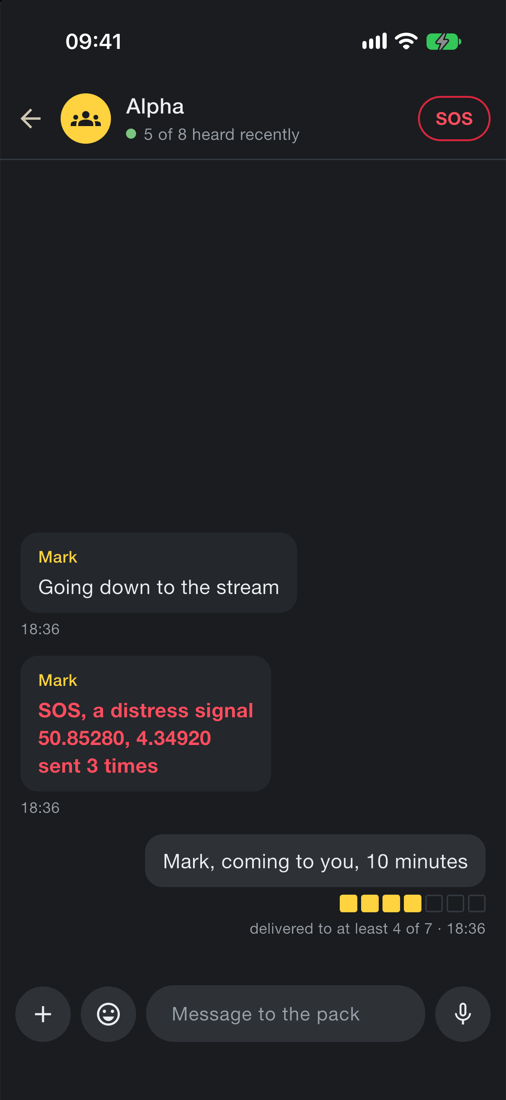
Holding the SOS button in the pack chat sends a distress signal with coordinates and repeats it until someone acknowledges. On the device itself four quick presses do the same, with no phone needed.
- Repeated every 30 seconds
- Buzzer alarm on the pack’s devices
- Cancelled with one press
Tracker mode
A T1000-E can send its own GNSS position on a timer with no phone. Give it to someone who does not use the app, or fix it to equipment.
- The tracker’s name on the map is set in the app
- Such a tracker cannot be paired to another phone by its button
- Battery level shows on the map
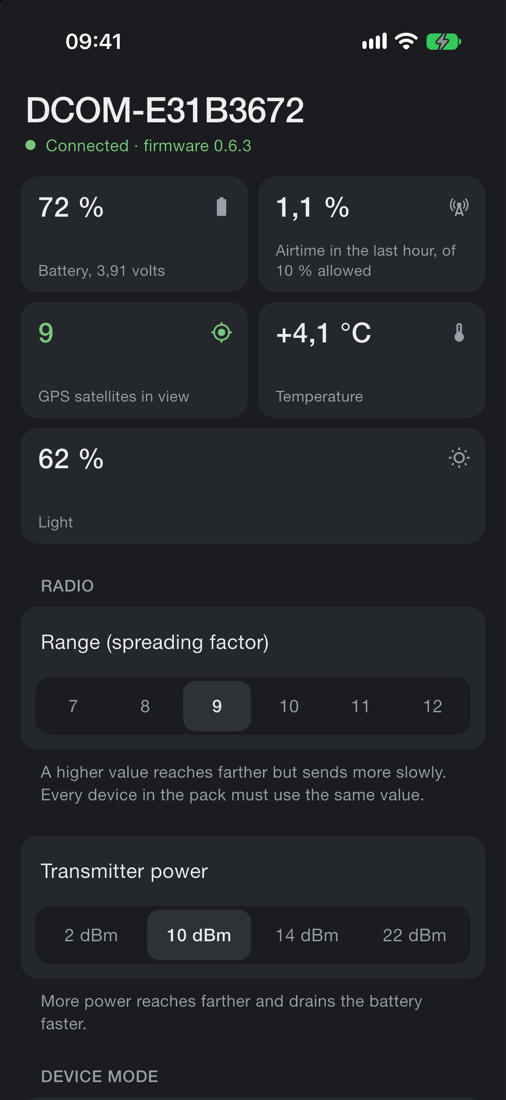
Sensors and fall detection
The T1000-E reports temperature and light, the MeshPocket humidity and pressure from an external sensor. The T1000-E notices a hard fall and raises the alarm unless it is cancelled with the button.
- Readings show on the map and the screen
- A fall alarm is cancelled with the button
- Data travels in the same encrypted beacons
Morse code
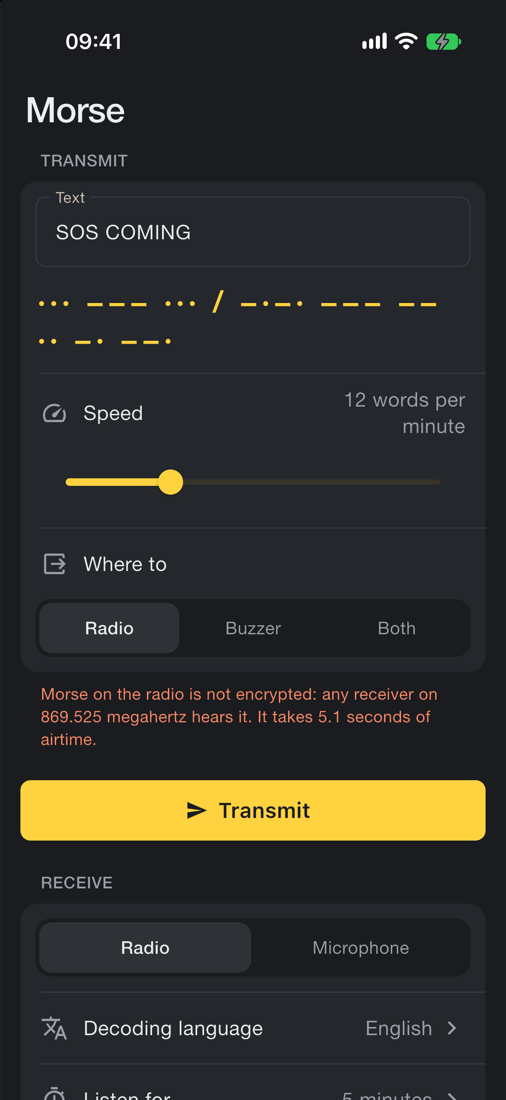
A last-resort channel: send and read Morse over the air, with the device buzzer and through the phone’s microphone. Decoding in six languages.
- Cyrillic and Latin alphabets
- Adapts to the sender’s speed
- Any receiver on the frequency hears the transmission
The MeshPocket screen
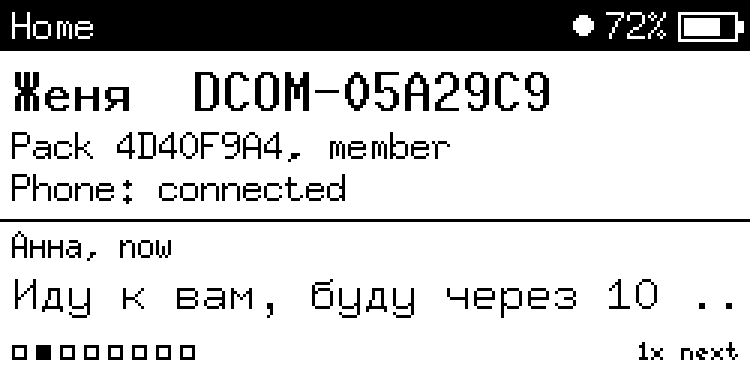
The e-ink screen shows the clock, messages, pack members, radio and device status. Settings are changed with the button on the device itself. The screen speaks any of six languages.
- Readable in sunlight, uses no power to hold an image
- One press: next page; two: action
- Time comes from the air
In development
- Pack roles: commanders and members
- Removing a member with a new pack key
- Remote wipe of a lost device
- More devices